 Boat Budget
Boat BudgetThe expense tracker, ship’s log and family map for cruising boats
Every expense of the boat, in every currency, offline. Shared by the crew’s phones, with the ship’s log, the track and a private map where family ashore can see where you are.
Made for life aboard
No signal needed
Your data stays on the boat
Eleven languages
What it does
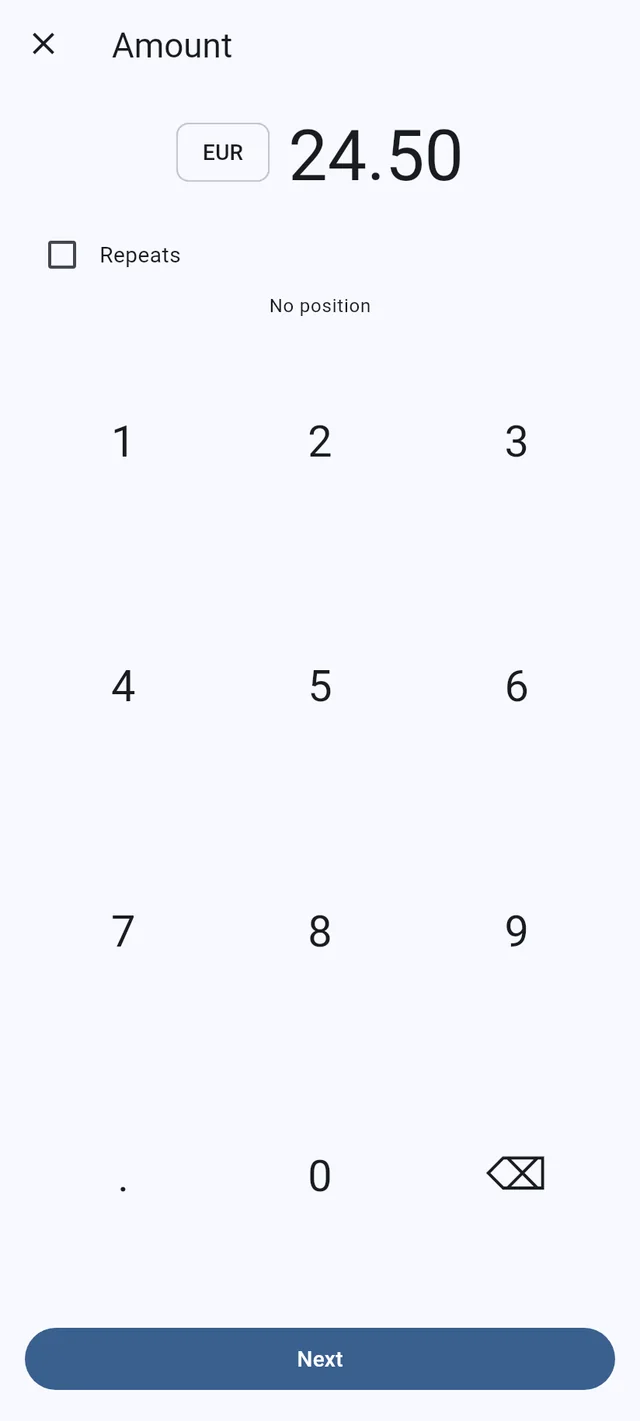
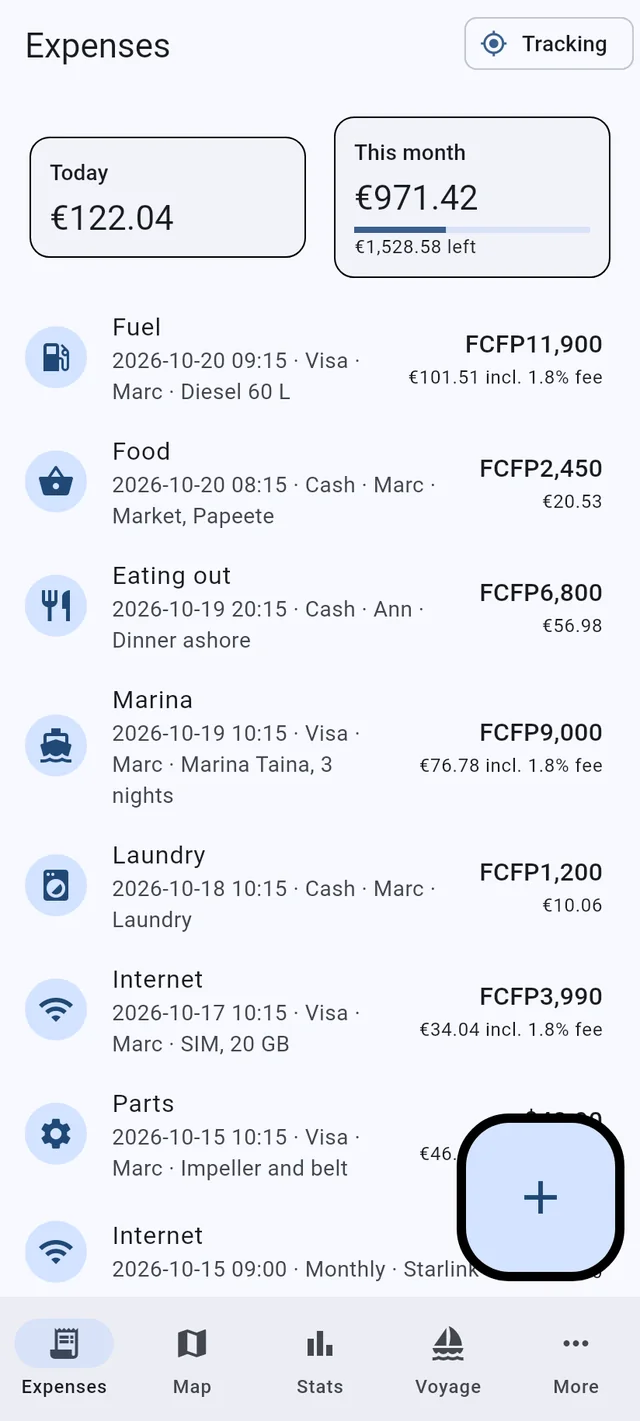
Every expense, in the currency you paid
Type the amount, pick the category, done: the date, the place and who paid are filled in. The day’s exchange rate is kept with the expense, so the totals read in the boat’s currency and stay true when rates move.
- Cards and cash: card fees added, cash in hand per currency, ATM withdrawals and exchanges, and what is left in the bank per card.
- Repeating costs such as insurance, Starlink or a mooring, added every month on their day.
- A photo of each receipt kept with the expense; duplicates are caught.
Family ashore can see where you are
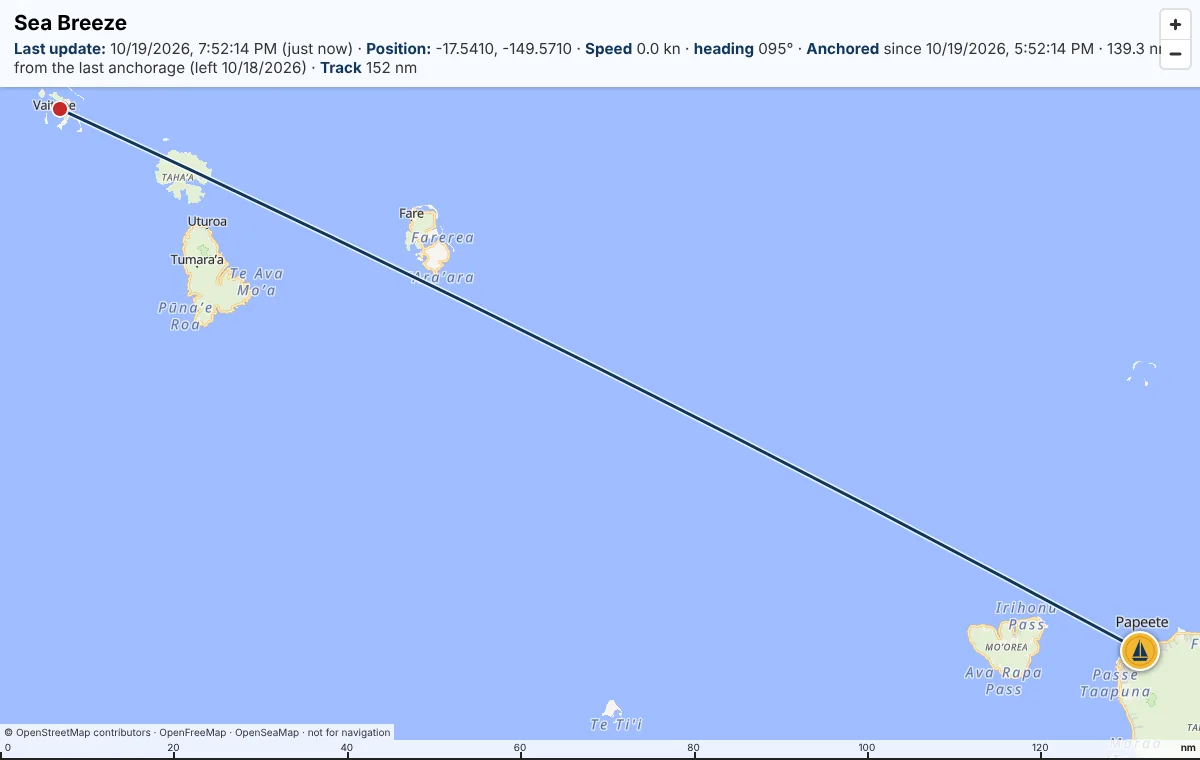
A private web page shows the boat’s position, speed and heading, the track, and whether you are anchored or under way, updated every five minutes while a phone is online. You choose the password; the page is listed nowhere. Family and crew write to each other there, and a new message shows as a notification on the phone.
- From the phone’s GPS: no extra hardware, no tracker subscription.
- Reset the track and it is gone from the server too.
- Part of Premium.
A ship’s log that writes the miles for you
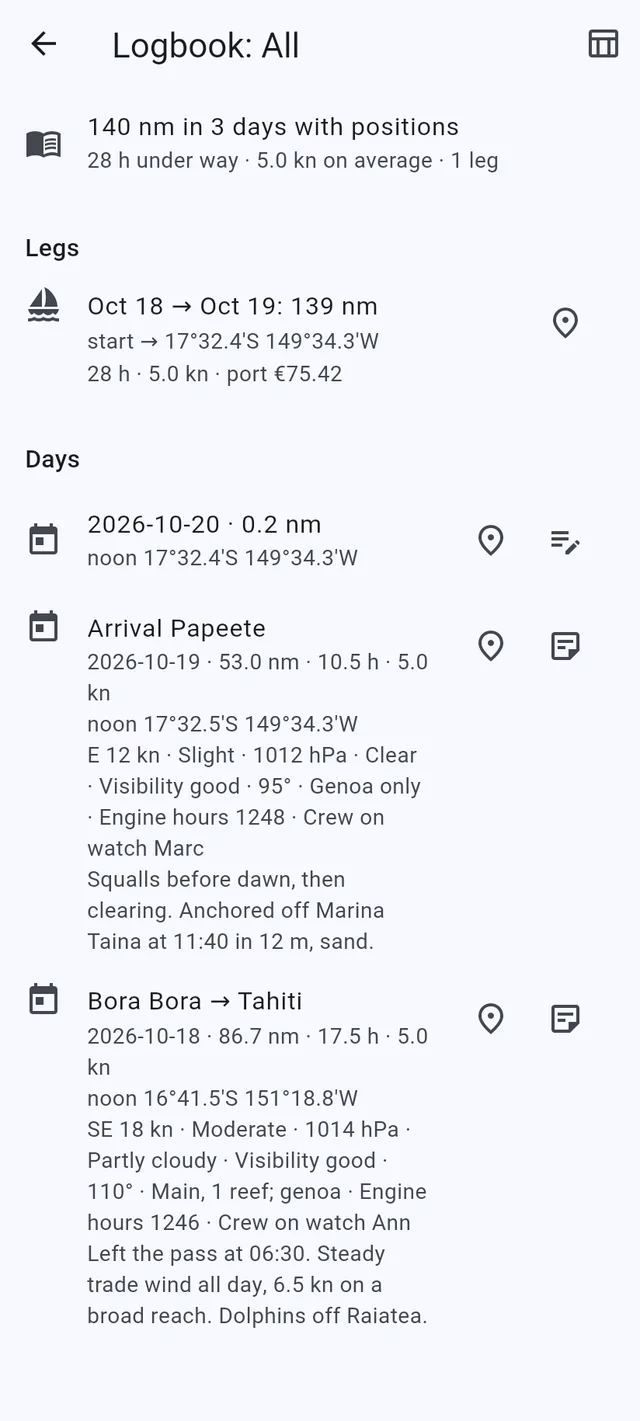
The GPS track runs in the background. The logbook takes a page per day: miles, hours under way, average speed and the noon position come from the track; wind, sea, barometer, sky, sails, engine hours and the crew on watch are yours to add. Export it to Excel for the records. Legs follow the real movement: hours and speed count only the time under way, and walks or drives ashore are left out.
- Anchor alarm that says why it sounds (dragging or GPS lost), with a 24-hour watch log, the anchor and the swing on the map.
- Speed, heading and the miles from the last anchorage on the Map tab, over streets, satellite or ocean depth with sea marks, kept on the phone for offline use.
- Signal K or NMEA from the boat’s instruments: depth, wind and battery alarms.
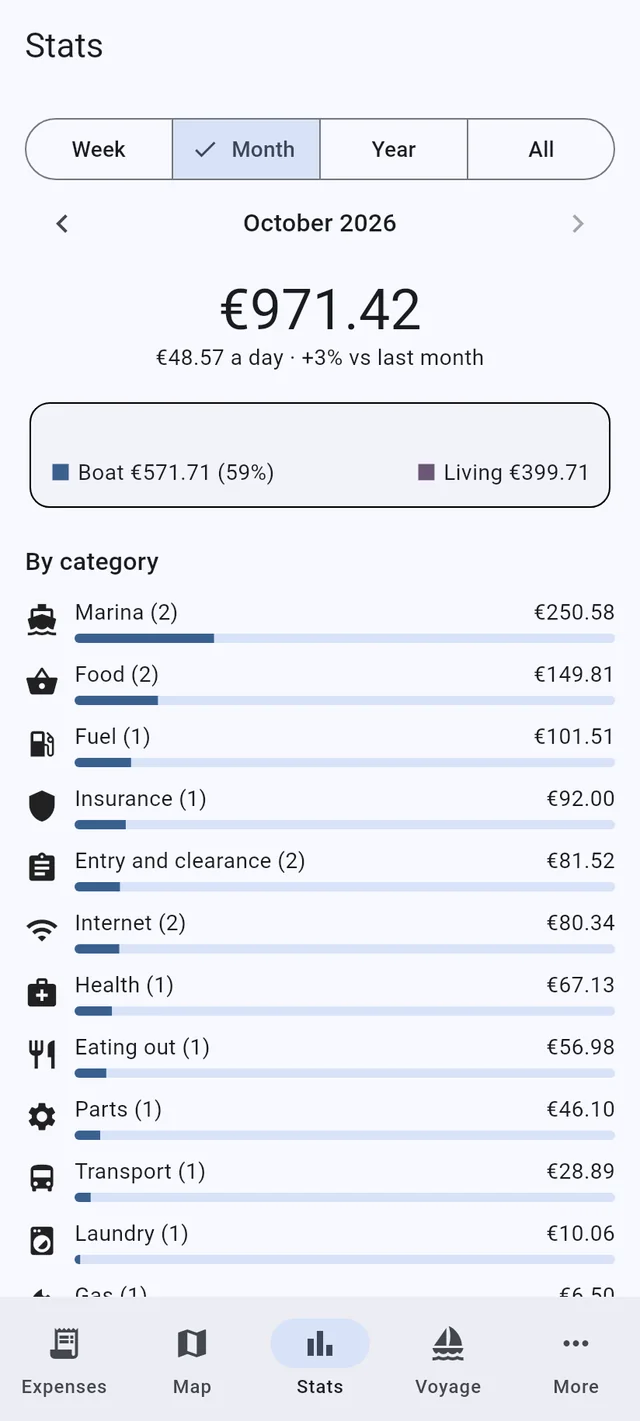
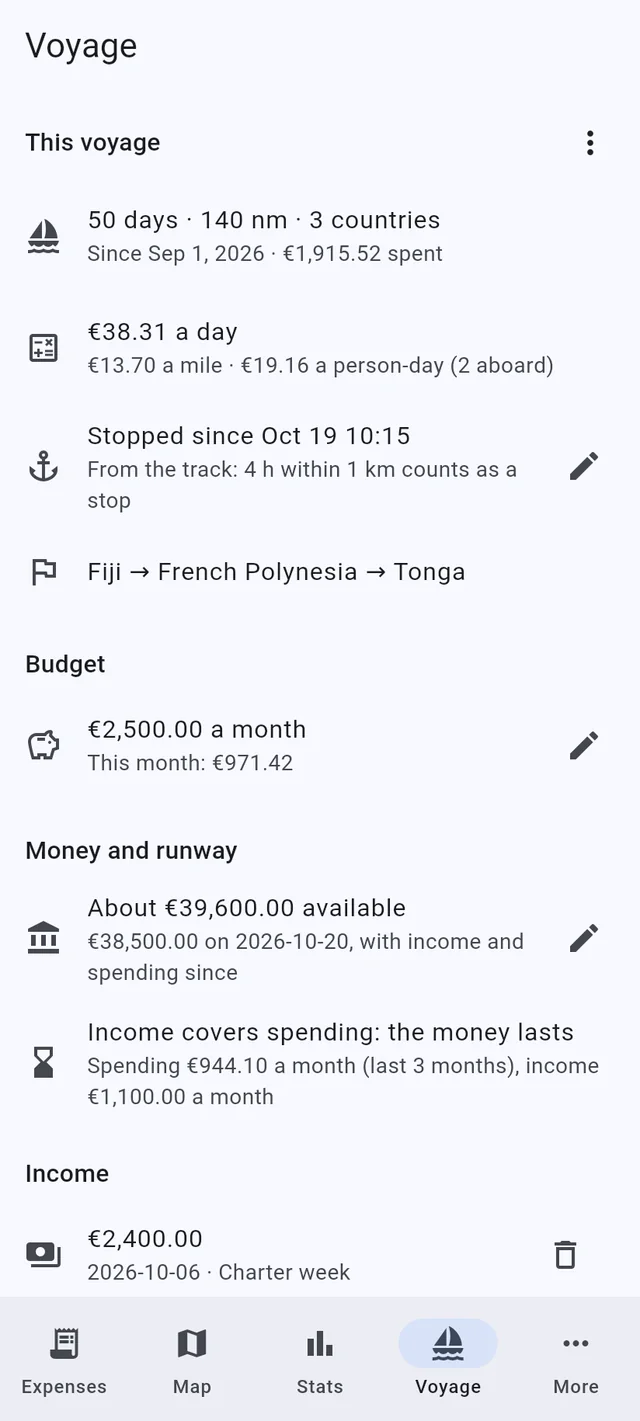
Know what the cruise costs
By week, month, year or voyage: totals by category, boat costs against living costs, cost per day, per mile and per person. Set a monthly budget and watch what is left; enter the money available and the incomes, and the runway says how long it lasts. Money left shows the cash per currency and what is in the bank per card; Paid with shows cash against each card.
- Per country and per voyage, and year over year.
- A PDF report of the voyage; Excel and CSV exports.
- Guests’ share of the costs and tax refunds, when they apply.
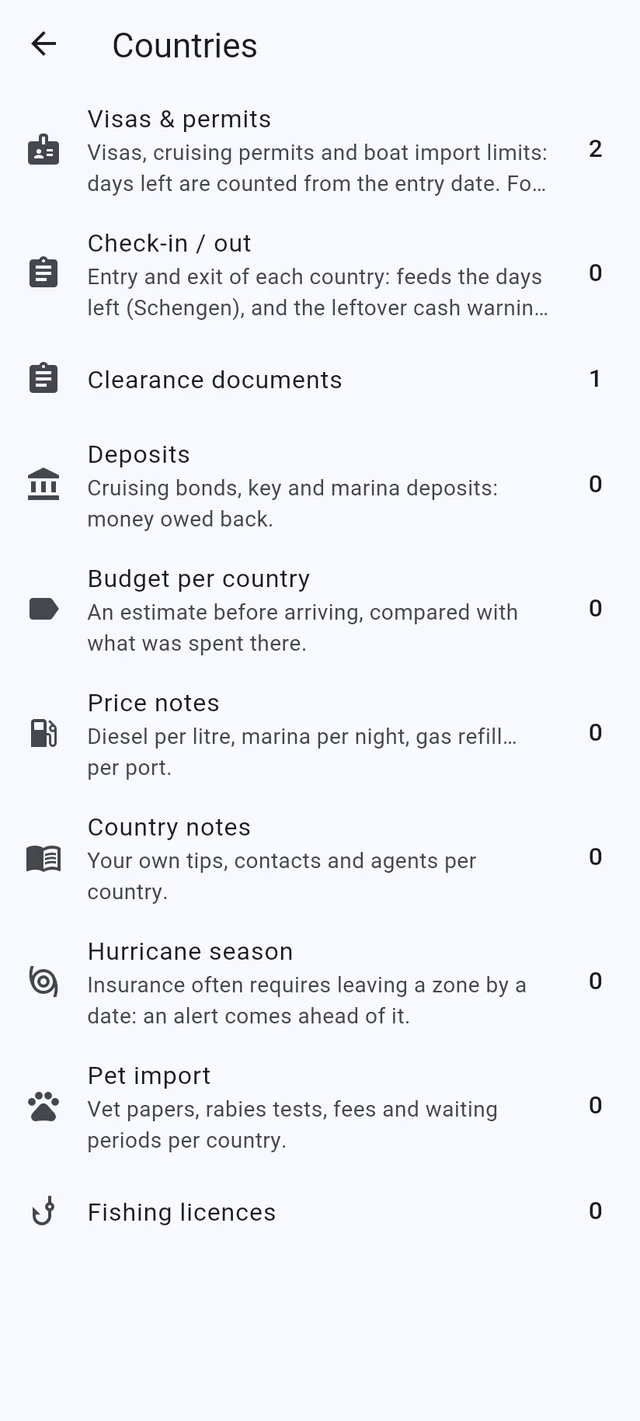
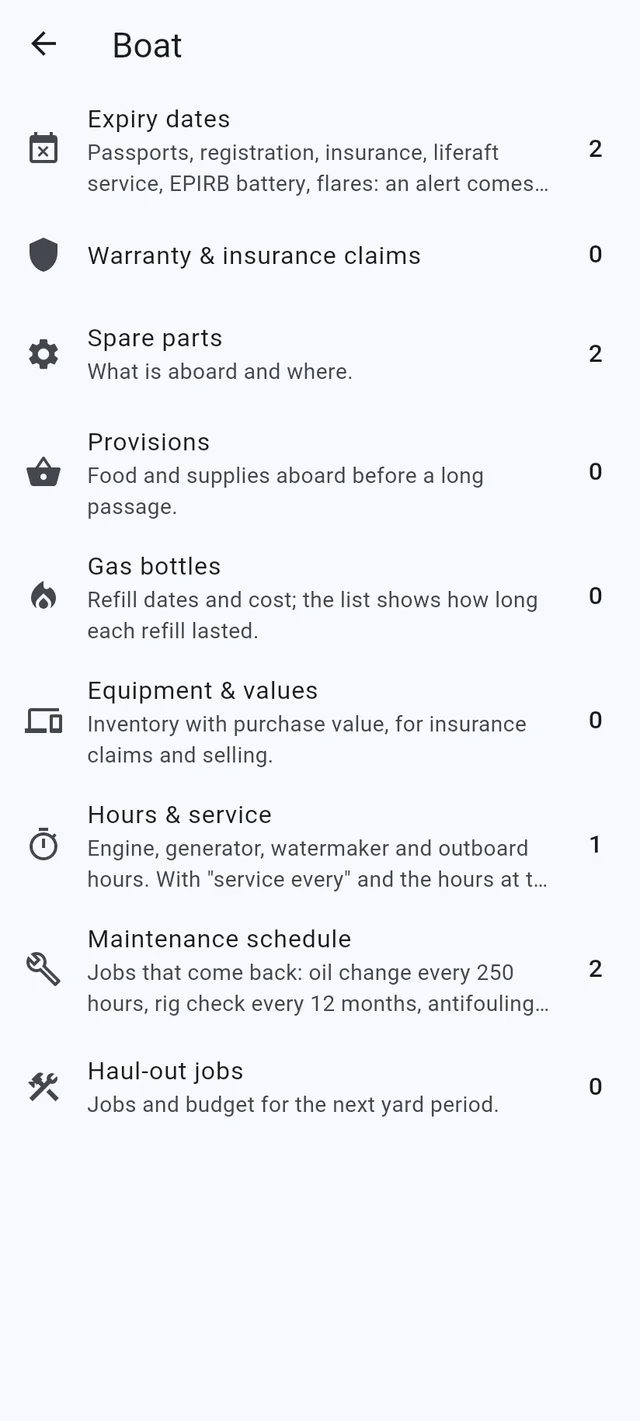
Visas, permits, spares and service, with alerts
Keep the visas and cruising permits with the days left, the clearance papers, deposits owed back and your own notes per country. For the boat: expiry dates, spare parts and where they are stowed, engine hours, the maintenance schedule and the haul-out jobs. The app warns before a date passes or a service comes due.
- Hurricane season dates, so the insurer’s deadline is not missed.
- Pet import rules per country.
- Gas bottles, provisions, and equipment with its value for insurance.
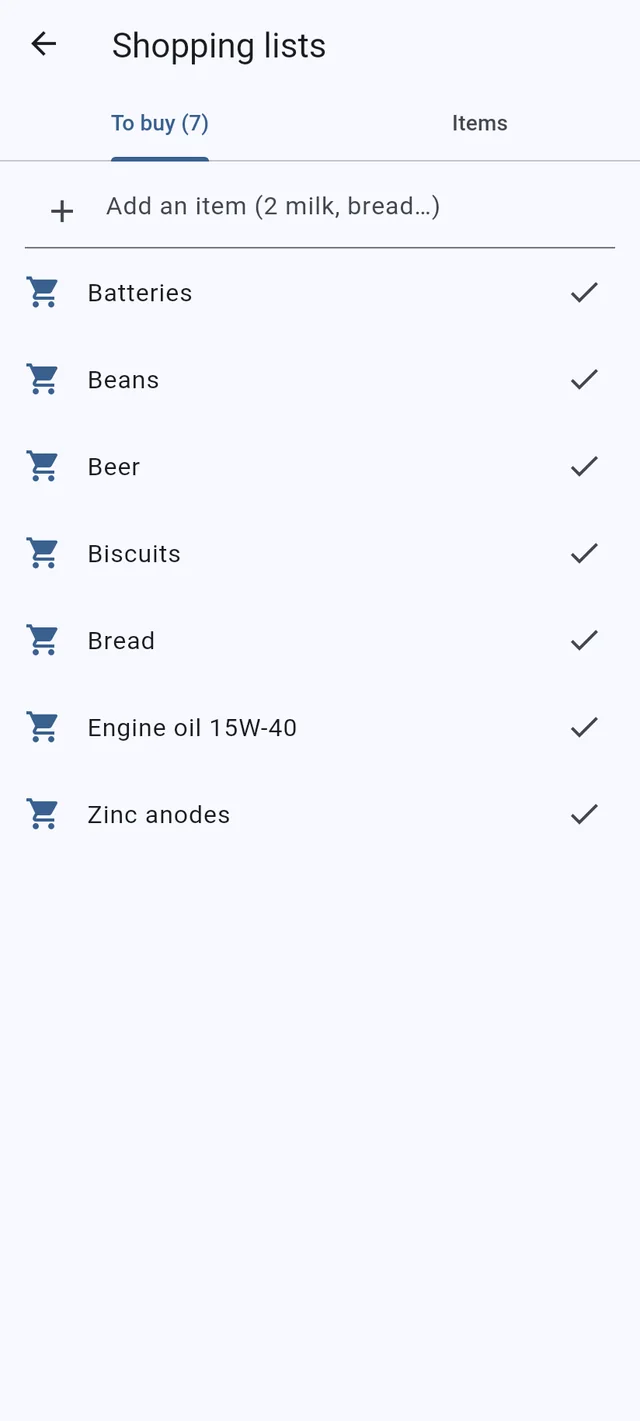
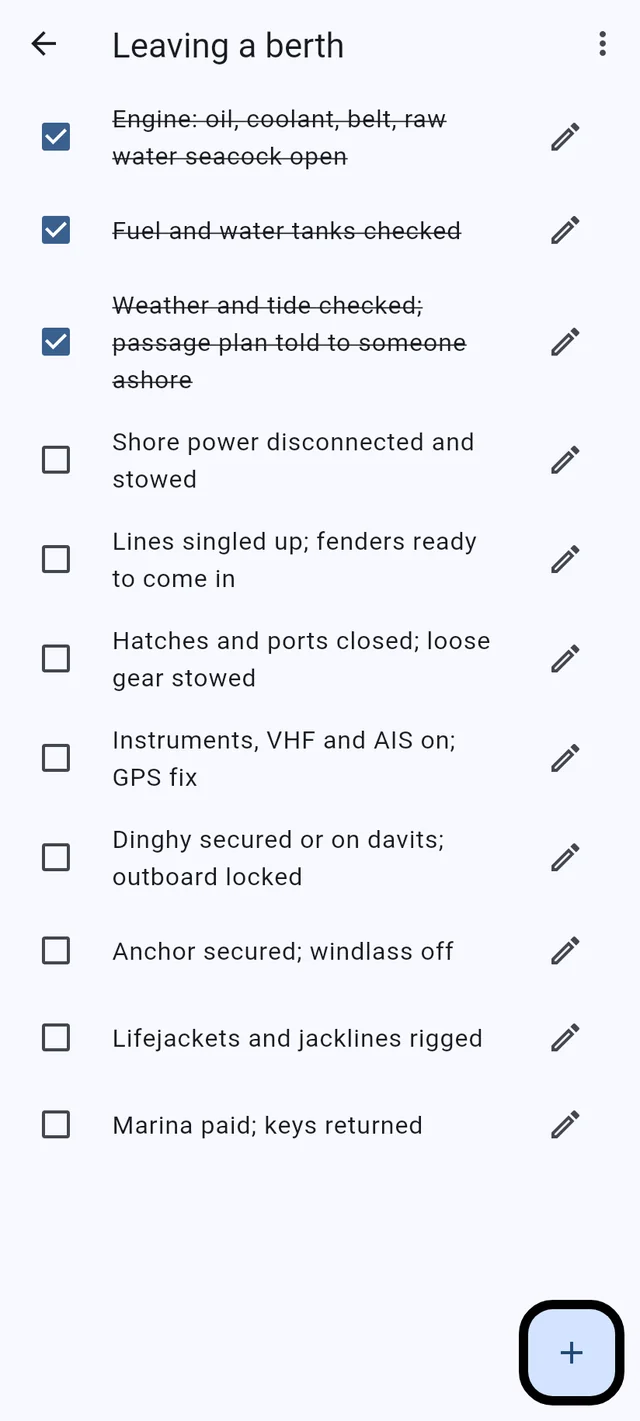
Shopping lists and checklists, on every phone aboard
Tap an item and it goes on the list to buy; tap it at the shop and it comes back to the items. Checklists for leaving a berth, heavy weather, lay-up, the safety audit and a passage, ticked off on whichever phone is at hand, with your own items added.
- The shopping cart one tap away on every screen.
- People aboard, and who paid what.
- Backups are plain files you keep where you like.
One boat, several phones
The phones of the boat sync with each other over Wi-Fi, a VPN or Bluetooth, with nothing in between. A new phone joins by scanning a code; up to six per boat. Sync is part of Premium.
Free on one phone; Premium for the boat
Boat Budget is free to use on a phone, with no time limit. Boat Budget Premium - one yearly price for the whole boat - adds what shares information: sync between the crew’s phones, the family map, and the exports (Excel, CSV, PDF reports, GPX track, logbook).
Every boat starts with two months of Premium free: nothing to enter, no card. After that, one yearly price for the whole boat.
Get it
Download for AndroidIt works without a signal
Your figures stay on the boat’s phones. There is no account to create and no server that keeps your data: the phones of the boat sync directly with each other. The family map is the one thing that leaves the boat - the position and the boat’s status, only while you have it switched on - and the app checks once a day for a newer version and, with Premium, for its licence.